
FATS Membership Form Instructions
We have commenced using a new FATS Membership Form on Sun 31-May-2026
This form will allow for online updating of members record, Bank Deposit and online payment using PayPal or Credit Card.
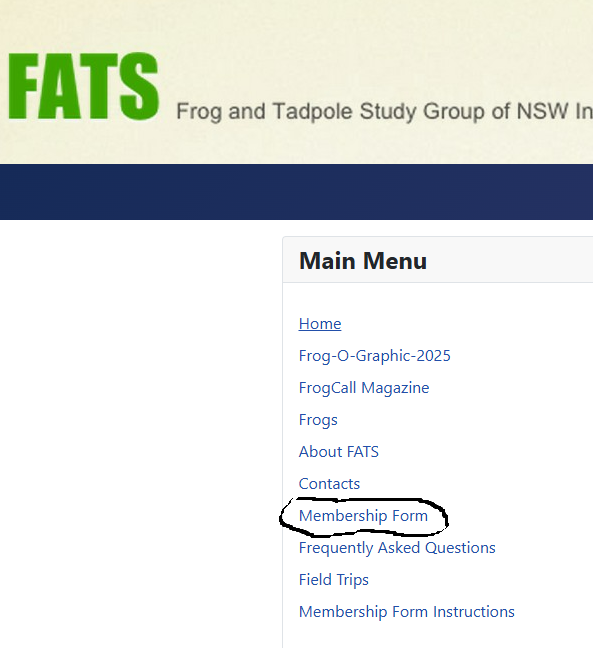
After clicking the Membership Form link in the main menu of the FATS Web Site the member will see a Identification screen for the entry of identity information
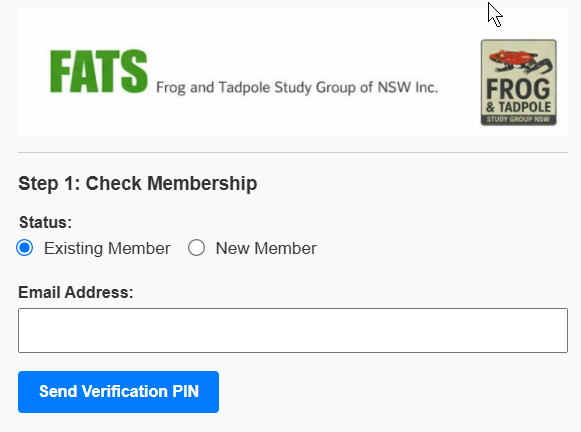
After clicking Submit an email is sent to the entered email address. If the message doesn't arrive promptly please check in the Spam folder as the message is relatively small and contains a link.
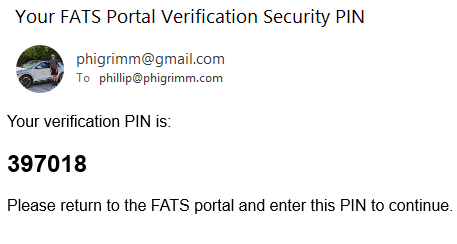
The member then uses that email which has a six-digit random code (PIN).
The next screen shows
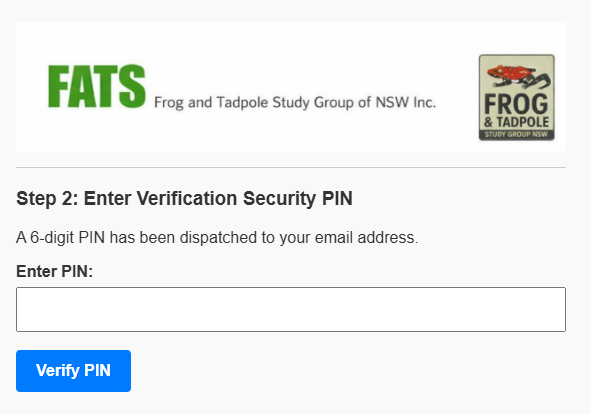
The member then enters the six-digit code (PIN) and clicks Verify PIN.
The members record is then displayed. The values like name, address or phone number can be altered and after completion the members record is updated.
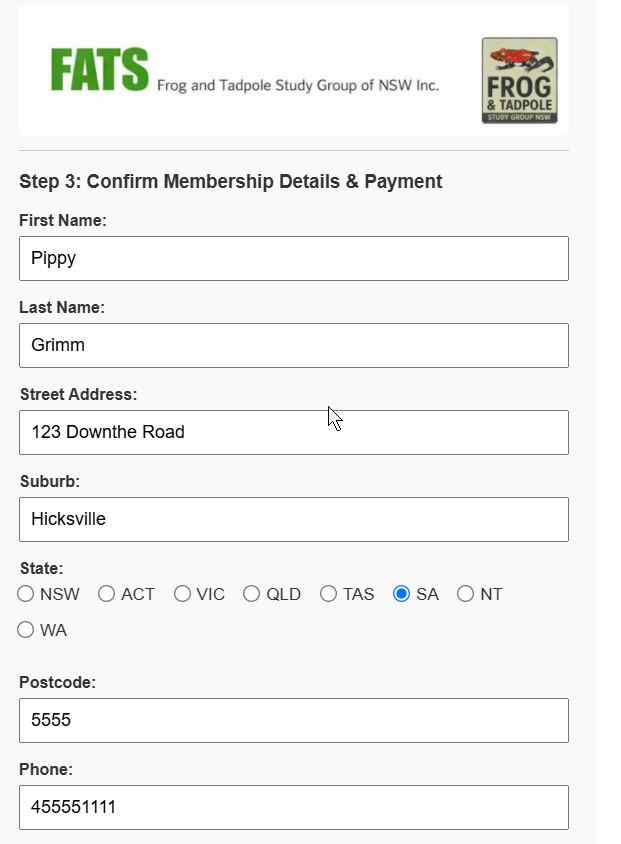
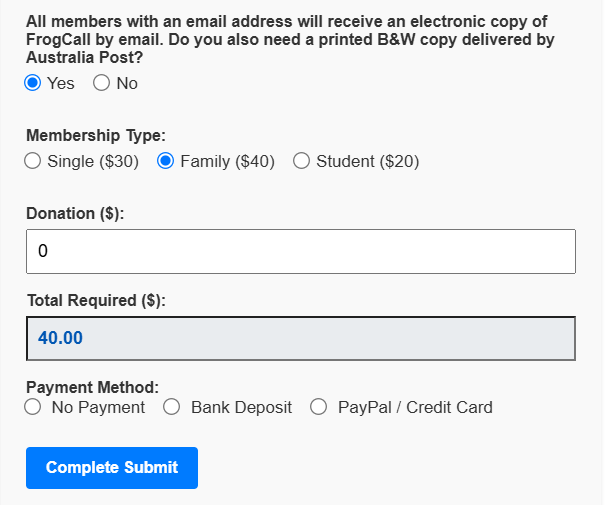
To perform a record update without payment click the No Payment radio button and then click Submit.
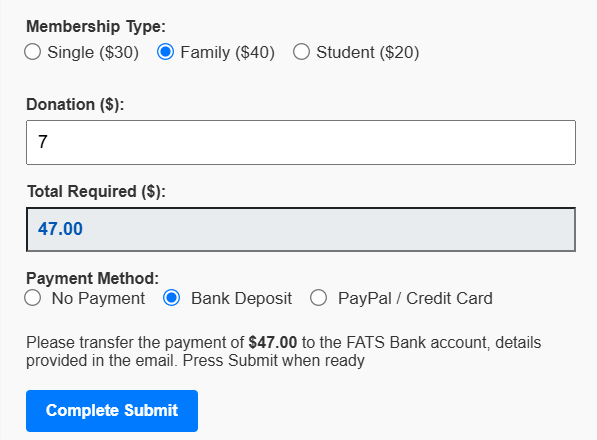
If paying by Bank Deposit the Bank details are shown on screen and in an email to the member. The members status will be Pending until the Treasurer confirms the payment.
Credit Card payments are through PayPal. PayPal require the Member to enter several details. FATS does
not retain any of these details as all PayPal/Credit Card processing is done externally.
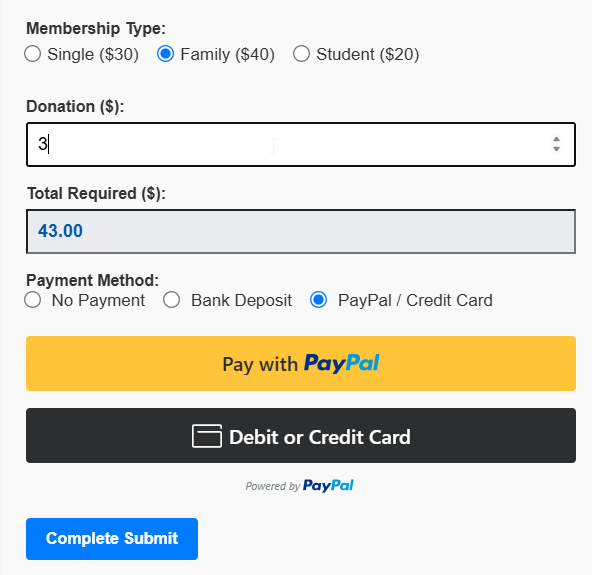
The Members First and Last Name are prefilled but they must be changed if the name on the credit card is different to the members name.
The Postcode and Phone number cannot be prefilled for PayPal security reasons.
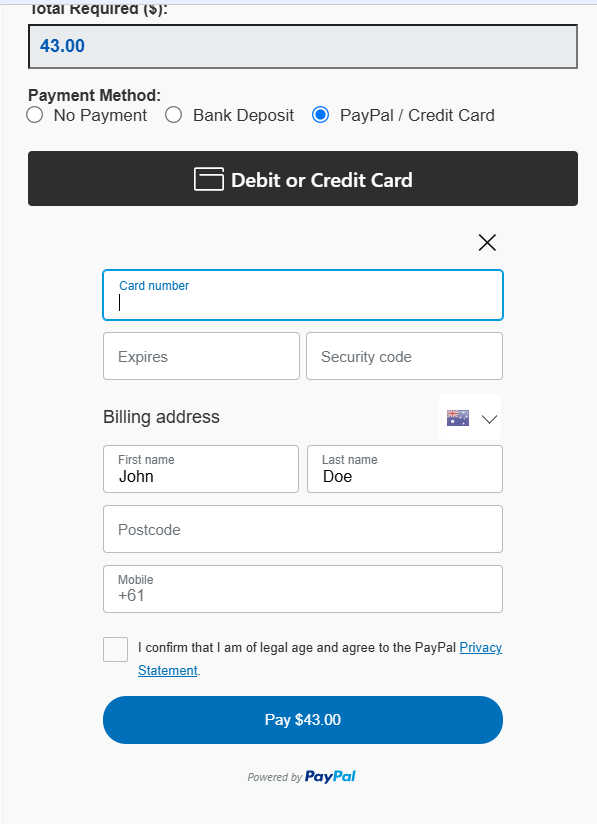
Members may also pay using their PayPal account.
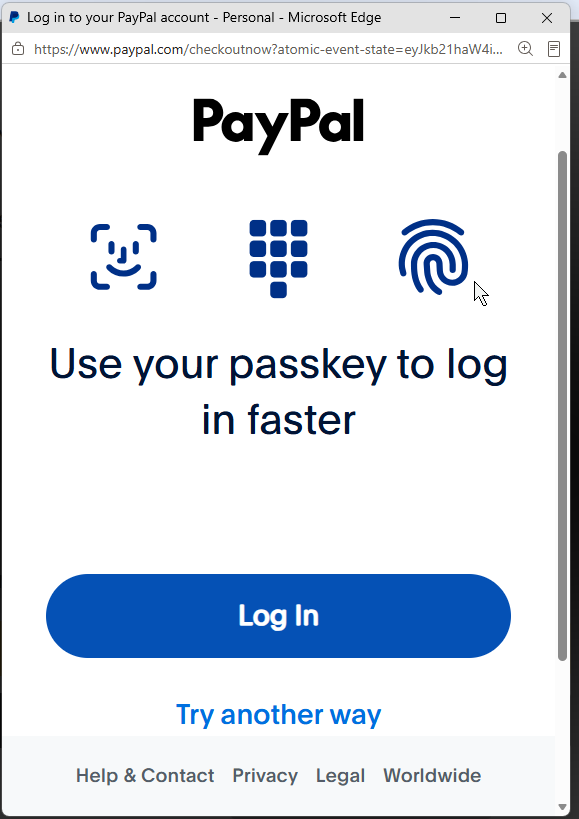
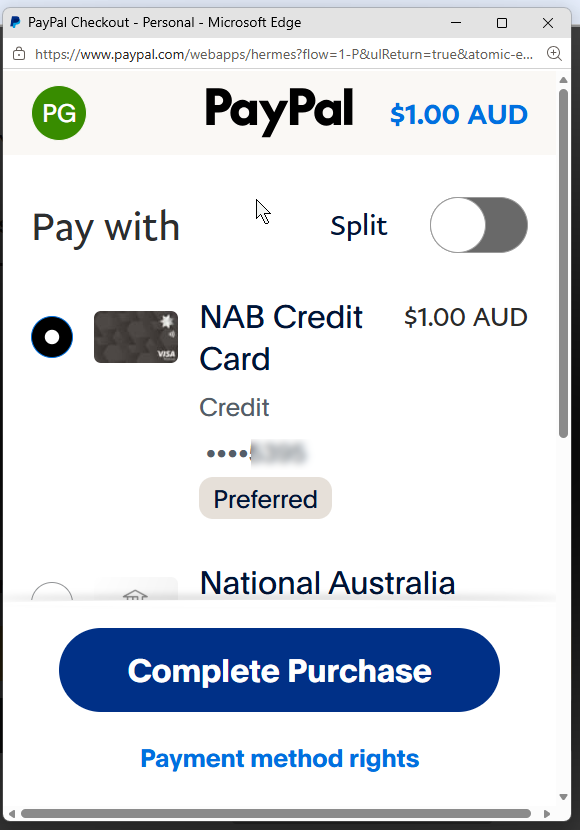
Emails are sent by PayPal about the PayPal and Credit Card transactions to the member detailing the payments.
This is a web application but has been designed to display centrally on a PC or laptop and is reasonably viewable on a phone